
AeroBet mobile app: what Canadian players actually get on their phone
Here’s the honest answer up front, because it saves you a download you can’t complete: AeroBet Casino has no native app for Canada — no App Store listing, no APK file. What it does have is a browser-based mobile lobby that runs the full casino, the full cashier and the full bonus flow on your phone, and you can pin it to your home screen so it behaves like an icon anyway.
There is no AeroBet app to install — the mobile site does everything instead
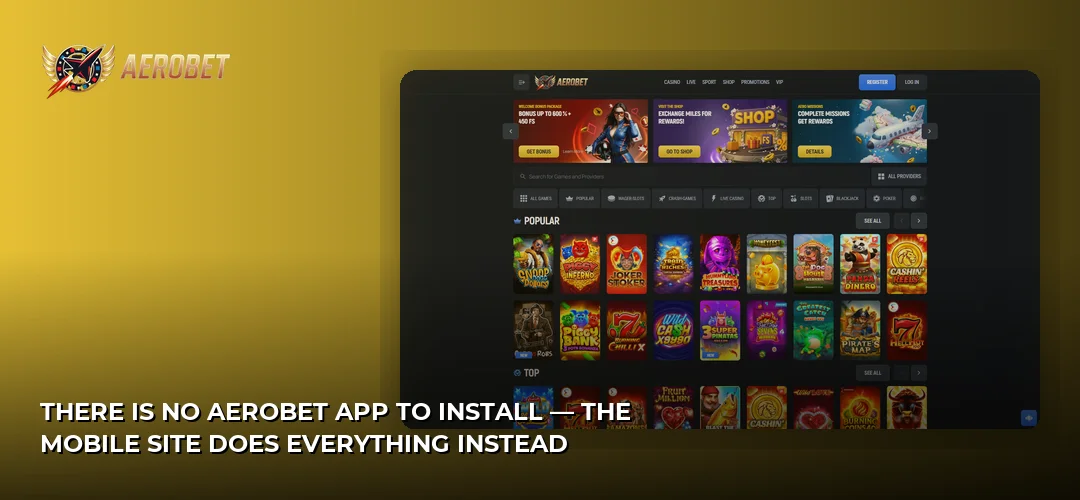
Searching for an AeroBet app will not turn up a legitimate download, because the operator does not publish one for iOS or Android in Canada. The casino runs entirely in the mobile browser: you open the site in Safari, Chrome or whichever browser you use, sign in, and the lobby scales to your screen. Nothing is missing compared with the desktop version.
That approach has real upsides on a phone. There is no install package eating storage, no version to keep current, and no permissions dialogue asking for access to files or contacts. Updates land server-side, so the lobby you load today is the current one. AeroBet is operated by Hazy Ltd. under Anjouan Gaming Licence No. ALSI-152406050-FI4 — an offshore licence rather than one issued by a Canadian provincial regulator — and the same licensed platform serves phones, tablets and desktops from one address.
What you get in the mobile browser:
- The full game library — slots, live dealer tables and instant/crash titles, all in one lobby
- CAD accounts, with the cashier and every supported payment rail available on the small screen
- Registration, login and account verification handled entirely in-browser
- The welcome package and promotions, claimable exactly as they are on desktop
- 24/7 live chat and email support, reachable from the same menu
- English and French interface options for Canadian players
If you want the broader picture of the casino before you commit a phone session, start here: AeroBet review.
How the AeroBet download question really works on iOS and Android
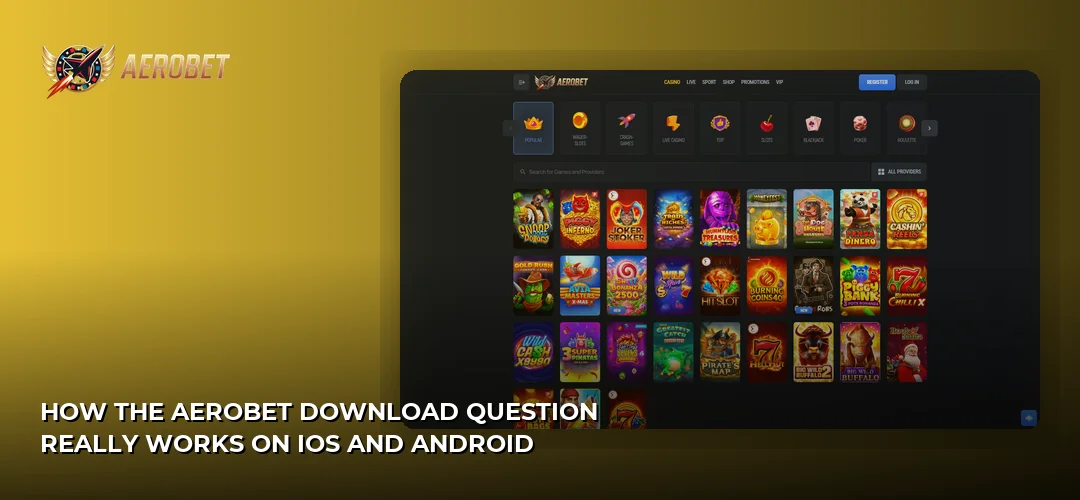
There is nothing to download. Instead of an install file, you add a home-screen shortcut that opens the casino full-screen, without the browser address bar. It takes about fifteen seconds, works on both operating systems, and gives you the one thing an app icon actually delivers: one-tap access from your home screen.
On iPhone and iPad (Safari):
- Open the AeroBet site in Safari and let the lobby finish loading.
- Tap the Share button in the toolbar.
- Scroll the share sheet and choose Add to Home Screen.
- Rename the shortcut if you like, then tap Add.
- The icon now sits with your other apps and launches the casino in its own window.
On Android (Chrome):
- Load the casino in Chrome and sign in or land on the lobby.
- Tap the three-dot menu at the top right.
- Select Add to Home screen (some builds label it Install).
- Confirm the name and tap Add.
- Launch it like any other icon — no APK, no unknown-sources toggle, no security warning.
Because this is a shortcut rather than a package, you never need to enable installation from unknown sources on Android or trust an enterprise certificate on iOS. That is a genuine security win: the two settings scammers most often ask gambling players to flip are simply not part of the process here.
Fixing the problems people hit when they go looking for an APK
Most “AeroBet download” trouble comes from third-party sites offering a file the operator never made. Skip those entirely — an unsigned casino APK from a file-sharing host is the classic vector for credential theft, and there is no official version for it to imitate.
- The lobby won’t load or games hang: clear the browser cache for the site, then reload. Stale cached assets are the usual culprit after a platform update.
- The home-screen icon opens a blank page: delete the shortcut, reopen the site in your browser, wait for the lobby to render fully, then add it again.
- You’re on a VPN or a restrictive corporate network: turn it off. Geo-tools and filtered DNS interfere with game streams and payment redirects.
- Login loops: allow cookies for the site and disable aggressive tracking-prevention extensions on that domain — sessions rely on them.
- Nothing works on mobile data: switch to Wi-Fi to isolate the problem, then contact 24/7 live chat with your account email and a description of the device and browser.
Finding your way around the mobile lobby
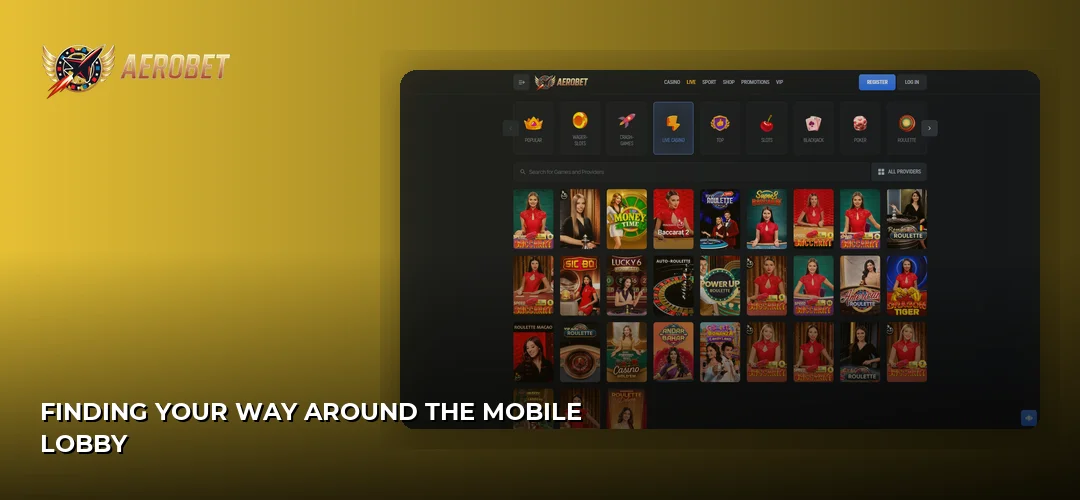
The mobile layout puts a burger menu top-left, the account and cashier buttons top-right, and a promotional banner at the top of the scroll. Below that, games stack into categories you swipe through — the touch targets are sized for thumbs, not for a mouse pointer.
Search is the fastest route on a phone. Tap the magnifier, type three or four letters of a title, and results filter as you type; you can also filter by studio, which is how you get to a specific Pragmatic Play, NetEnt, Hacksaw Gaming or Nolimit City release without endless scrolling. Category tabs cover slots, live casino, table games and instant titles, and a “recently played” strip keeps your last sessions one tap away.
Account tools live behind the profile icon: balance, transaction history, active bonuses, verification documents, communication preferences and responsible-gambling settings. Creating the account itself is a short in-browser form — the details are covered here: AeroBet sign-up process.
How games run on a phone screen
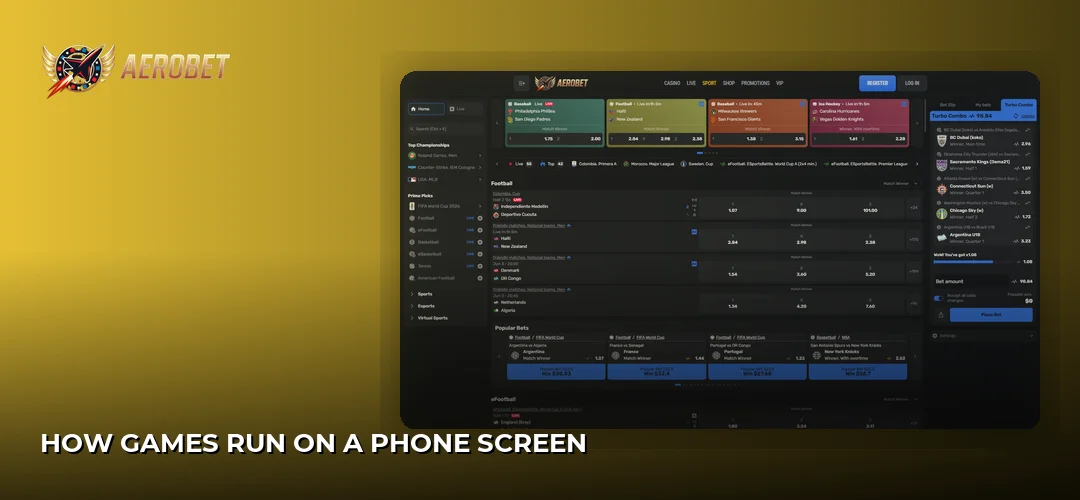
Games launch inside the browser in portrait or landscape depending on the title, and slots load asset-by-asset so the reels appear before the last background layer finishes. On a modern phone with a decent connection, the experience is close to desktop; on older hardware, the biggest gains come from closing background tabs, since browser-rendered games share memory with everything else you have open.
Graphics are handled by the studios’ own HTML5 builds rather than a downscaled app version, so the artwork is the same as on a large screen — just reflowed. Controls are re-mapped for touch: spin sits under your thumb, bet adjustment uses plus/minus steppers instead of a slider you’d miss, and autoplay and turbo settings are tucked into a compact settings drawer. Live tables use tap-to-select chips with a confirmation step, which cuts down on misclicks when the bus jolts.
The games Canadians open most on mobile
Slots. This is the deepest part of the mobile lobby, with releases from Pragmatic Play, BGaming, NetEnt, Hacksaw Gaming, Playson, Push-style volatility from Nolimit City and Big Time Gaming, plus Yggdrasil, Red Tiger, Quickspin, Betsoft, Blueprint Gaming, Novomatic, Playtech, Microgaming, Relax Gaming, Belatra, Platipus, Evoplay, Endorphina, Spinomenal, Gamzix, Onlyplay, 3 Oaks, Popiplay, Amatic and Mascot Gaming. Portrait mode suits most of them, and the operator publishes a total payout figure of 96% across the casino.
Live casino. Evolution and Ezugi tables stream straight into the browser. Video quality adapts to your connection, so a weaker signal drops resolution rather than the feed. Worth knowing before you deposit: Live Casino games are excluded from the welcome bonus.
Instant and crash games. Spribe and BGaming supply this category, and Spribe’s Aviator is its best-known title. Crash-style formats are arguably better on a phone than on desktop — a single cash-out button under your thumb is exactly the interface these rounds want, and rounds are short enough to fit a coffee break.
Betting and banking from the mobile cashier
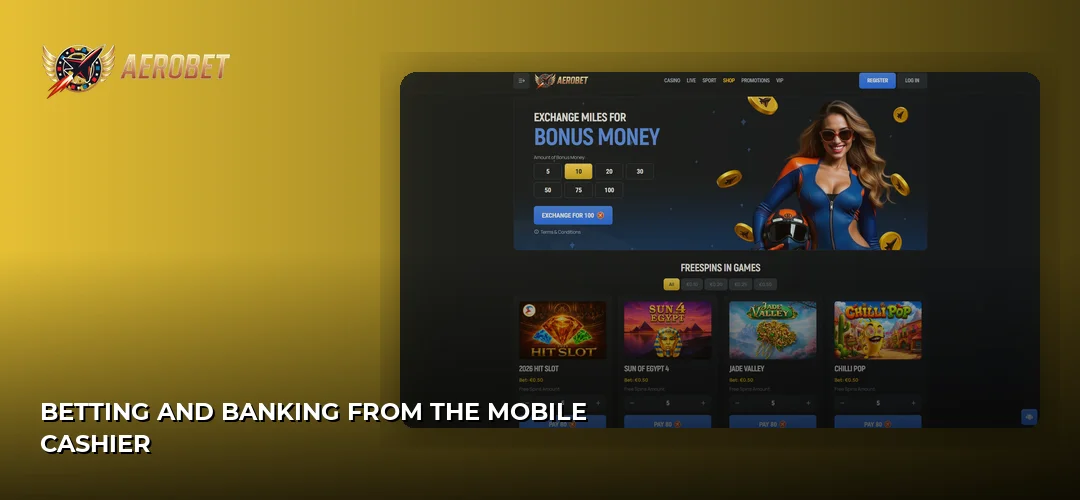
The cashier opens as a full-screen overlay rather than a cramped pop-up, and it carries every rail the desktop version does. Canadian players hold CAD accounts, with a C$30 minimum deposit and a C$30 minimum withdrawal.
Supported methods on mobile:
- Everyday Canadian rails: Interac, Visa and Mastercard, iDebit, Instadebit, Open Banking and bank transfer
- Wallets and mobile-native options: Apple Pay, MuchBetter, Skrill, Neteller, MiFinity, Revolut
- Prepaid: Neosurf, Paysafecard
- Crypto, as a secondary option: Bitcoin, Ethereum, Tether (USDT), USD Coin, Litecoin, Dogecoin and BNB Chain
Apple Pay and MuchBetter are the standouts on a phone, because authentication happens in the device layer — Face ID or a wallet PIN — instead of a card form you have to type one-handed. Withdrawals run through a dedicated cashier section with limits of 750 CAD per day and 22,500 CAD per month, and an overall processing window of 0–72 hours. Full timings and rail-by-rail detail live here: AeroBet payment methods.
Placing a bet is the same three-step loop everywhere: pick a stake with the steppers, confirm, and watch the balance in the header update. Bet history and open rounds sit in the account area, so you can check a session without reopening the game.
Bonuses and notifications on mobile
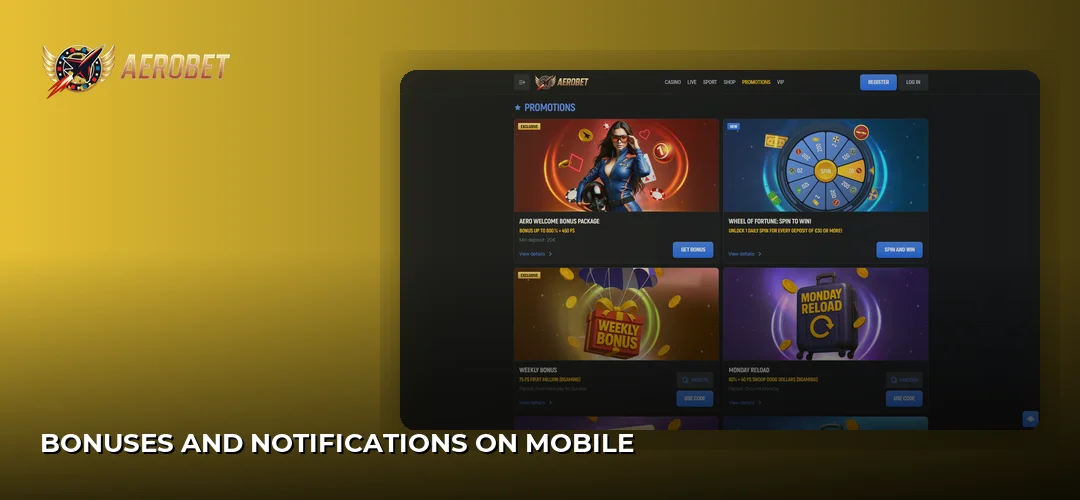
Everything on the promotions page is claimable from the phone — there is no mobile-only offer, and equally nothing withheld from mobile users. The welcome package is 600% up to 9,000 CAD + 450 Free Spins, spread across the first four deposits, with wagering of 35x (deposit + bonus) and 40x on Free Spins winnings, a minimum deposit of 30 CAD, a 10-day validity, a max bet of 25 CAD while the bonus is active, max cashout of 5x the bonus amount and 150 CAD from Free Spins, and Live Casino excluded.
Because there is no installed app, there are no system push notifications. Bonus alerts arrive by email and appear in the on-site promotions area instead, so keep email notifications switched on in your account preferences if you don’t want to miss a time-limited offer. The full breakdown of promotions is here: AeroBet welcome bonus.
Mobile browser versus desktop: what actually changes
The short version: the platform is identical, the ergonomics are not. This table covers the differences that matter in a real session.
| Feature | Mobile browser / home-screen shortcut | Desktop browser |
|---|---|---|
| Installation | None — optional home-screen shortcut in seconds | None |
| Device storage used | Cache only, no install package | Cache only |
| Game library | Full lobby, portrait and landscape | Full lobby, landscape only |
| Navigation | Burger menu, swipeable category rows, thumb-sized controls | Persistent sidebar and wide grid, more titles visible at once |
| Payment authentication | Apple Pay and wallet apps authenticate on-device | Manual entry or bank redirect |
| Notifications | Email and on-site messages only | Email and on-site messages only |
| Multi-tasking | One game at a time in practice | Multiple windows or tabs |
Security, battery and data on your phone
Playing in the browser removes an entire attack surface: no sideloaded file, no unknown-sources permission, no third-party store. Traffic between your phone and the casino runs over an encrypted connection, and your account is protected by the login credentials you set at sign-up — treat them the way you treat banking details, and use your phone’s screen lock rather than staying permanently signed in on a shared device.
KYC is completed before your first payout and can be done from the phone by photographing documents directly. The operator asks for:
- A valid government-issued ID
- Proof of address
- Confirmation of the payment method used, in some cases
- A unique six-digit verification code for transactions over $2,000
- Proof of source of wealth — bank statements or employment verification — for deposits or withdrawals exceeding $5,000
Verification is typically approved in about 24 hours, with terms allowing up to 72 hours. On battery and data: live dealer streams are the heaviest thing you can run, since continuous video plus a live connection drains a battery noticeably faster than slots, which only pull assets at load. Slots and instant games are the low-consumption choice on a data plan. And because there is no app to patch, there is no update cycle to manage — the platform is refreshed server-side, and 24/7 live chat and email support handle anything that breaks on your device.
Frequently asked questions about AeroBet
Is the AeroBet app free to download?
There is no AeroBet app to download in Canada — no App Store listing and no APK. The mobile casino runs free of charge in your phone’s browser, and adding a home-screen shortcut costs nothing and uses no meaningful storage. Any site offering an “AeroBet installer” is not connected to the operator.
Can I use AeroBet on mobile in Canada?
Yes. Canada is not on the restricted list, Canadian players can hold CAD accounts, and the mobile site is available in English and French. The casino operates under an Anjouan licence held by Hazy Ltd., which is an offshore licence rather than one issued by a Canadian provincial regulator.
How do I log in to the AeroBet casino on my phone?
Open the site in your mobile browser or tap your home-screen shortcut, then use the login button in the top-right corner and enter the email and password from your registration. Your phone’s password manager can autofill both. Account creation details are covered on the registration page of this review site.
Does AeroBet work on tablets?
Yes. The lobby is responsive, so an iPad or Android tablet gets a wider grid than a phone while keeping touch-sized controls — arguably the best of both formats for live dealer tables. The same home-screen shortcut method works on tablets, and every game, bonus and cashier function is identical.
Can I claim bonuses on mobile?
Yes, and nothing is held back from mobile users. The welcome package of 600% up to 9,000 CAD + 450 Free Spins is claimed from the phone cashier exactly as it is on desktop, with 35x (deposit + bonus) wagering, 40x on Free Spins winnings, 10-day validity and Live Casino excluded.
Is an AeroBet APK safe to install?
No, because the operator does not publish one. Any APK claiming to be AeroBet comes from a third party and should be treated as hostile — sideloaded casino files are a common route for credential theft. Use the browser and a home-screen shortcut instead; neither requires enabling unknown sources.
What games can I play on the AeroBet mobile site?
The full library: slots from studios including Pragmatic Play, BGaming, NetEnt, Hacksaw Gaming, Nolimit City and Yggdrasil, live dealer tables from Evolution and Ezugi, and instant and crash titles from Spribe and BGaming, including Aviator. Published total payout across the casino is 96%.
Do I need to update anything?
No. Without an installed app there is no version to maintain — platform changes go live server-side and you receive them on the next page load. If the lobby behaves oddly after an update, clear the site cache in your browser and reload, then contact 24/7 live chat if the problem persists.
Skip the fake APK hunt entirely — open the casino in your browser, pin it to your home screen, and the whole lobby is one tap away.